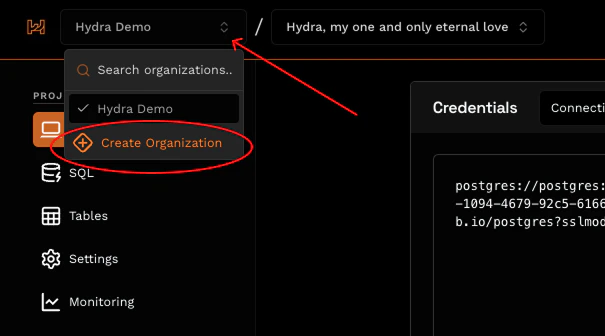
On Hydra, all users are part of an organization. An organization is automatically created for you during onboarding. You can invite your team members to share access to your organization’s projects.Documentation Index
Fetch the complete documentation index at: https://docs.hydra.so/llms.txt
Use this file to discover all available pages before exploring further.
Inviting Members
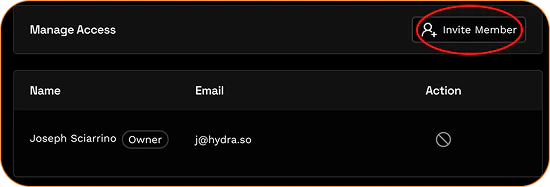
- Navigate to the Access section of the Organization section, listed at the bottom of the left navigation bar in the Hydra dashboard. Once in the Access section, select Invite Member.
- Enter the email address of the teammate you’d like to add to the organization.
- The invited member will receive an invitation email to the organization. Once the invitation is accepted, the member will gain access to the team’s Hydra databases. You can remove any member from the team any time.
Creating additional organizations
Creating multiple organizations within a single account is limited to Hydra Business plans only.